Fast, Reliable Receipt Printing
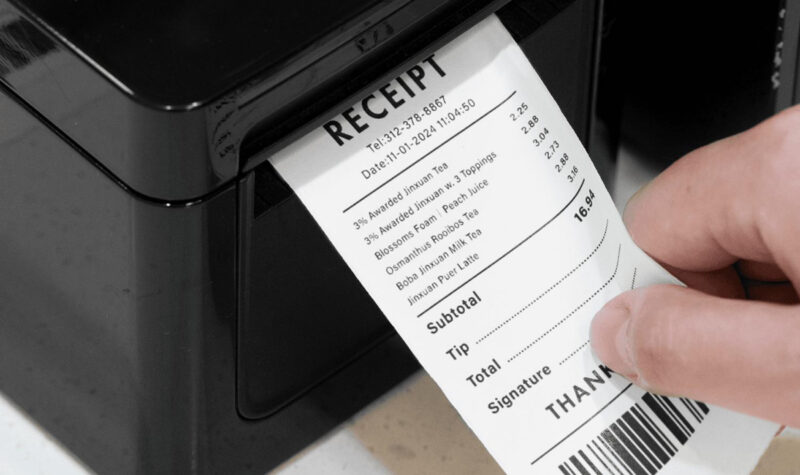
A reliable receipt printer is an essential part of any modern POS system. After a customer completes a purchase, the printer turns the transaction into a clear, professional receipt in seconds.
For retail stores, supermarkets, cafés, restaurants, and other businesses, the right ePOS printer can help keep checkout fast and operations running smoothly.
What Is an ePOS Printer?
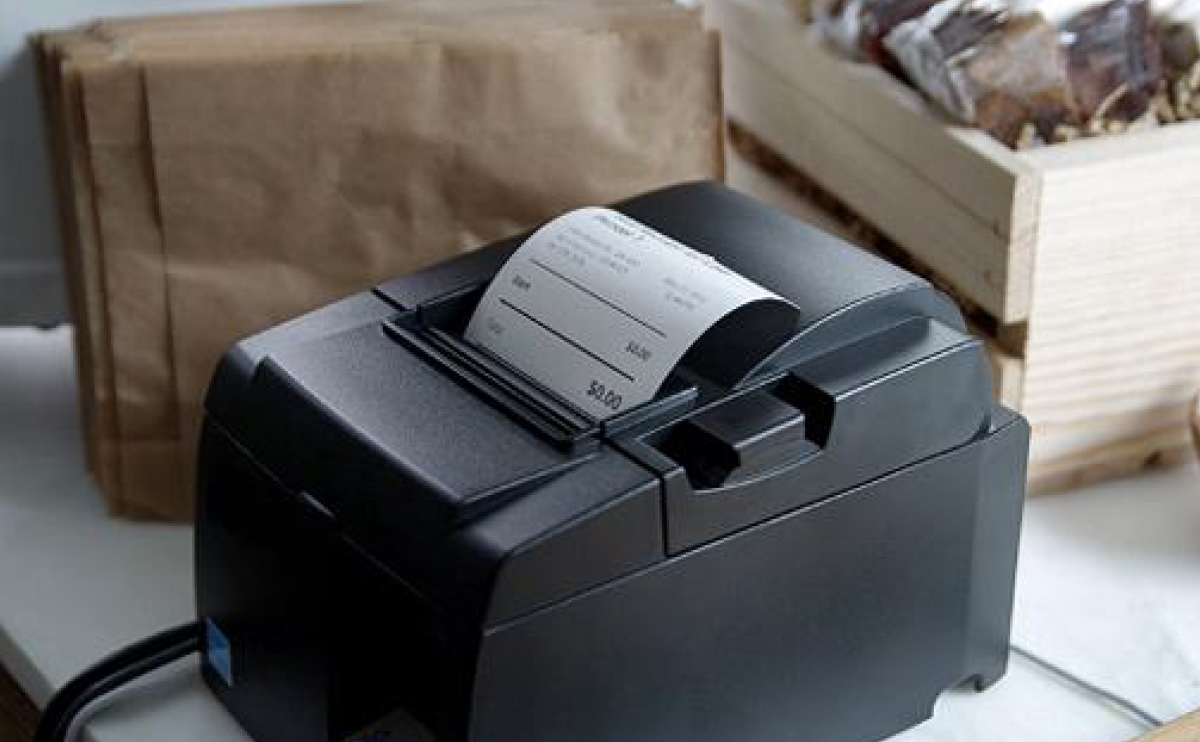
An ePOS printer is a receipt printer designed to work with a Point-of-Sale system. Once connected, it receives print commands from the POS and produces receipts automatically after completed transactions.
Most modern POS receipt printers use thermal printing technology, which prints on heat-sensitive paper without requiring ink or toner. This makes thermal printers fast, quiet, and convenient for everyday checkout operations.
Why Choose a Thermal POS Printer?
Thermal receipt printers are popular because they offer several practical advantages:
- Fast printing for busy checkout counters
- Quiet operation for a more comfortable environment
- No ink or toner required
- Sharp, easy-to-read receipts
- Compact designs that save counter space
- Easy paper replacement
Depending on the model, printers can connect to a POS system through USB, Ethernet/LAN, Wi-Fi, or other supported interfaces.
Choosing the Right POS Printer
Before choosing a printer, consider your business environment and daily transaction volume.
1. Printing Speed
A fast printer can help reduce waiting time during busy periods. This is particularly important for supermarkets, restaurants, and high-traffic retail stores.
2. Paper Size
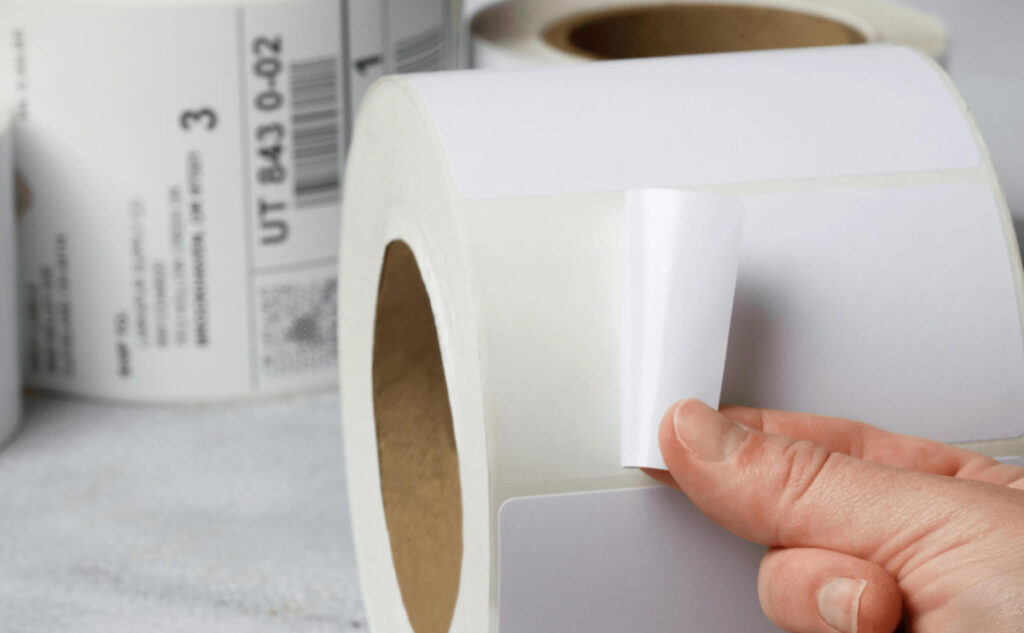
Common POS receipt formats include 58 mm and 80 mm thermal paper. Choose the width that matches your receipt design and printer requirements.
3. Connectivity
USB is convenient for a single checkout station, while LAN or Wi-Fi can be useful when the printer needs to communicate across a network.
4. POS Compatibility
Always check that the printer is compatible with your POS software and operating system. Many POS environments support common thermal-printing standards such as ESC/POS.
Keep Your Printer Running Smoothly
Regular maintenance can help prevent common printing problems.
Use the correct thermal paper, keep the print area clean, make sure the paper is installed in the correct direction, and check your cables or network connection if printing stops. A blank receipt can sometimes simply mean that the thermal roll has been loaded the wrong way.
Final Thoughts
Your receipt printer may be a small part of your POS setup, but it plays a big role at the final stage of every sale.
A fast, reliable, and compatible ePOS printer helps businesses deliver professional receipts while keeping checkout operations smooth and efficient.
The right POS printer turns every completed sale into a clean, fast, and reliable customer experience.