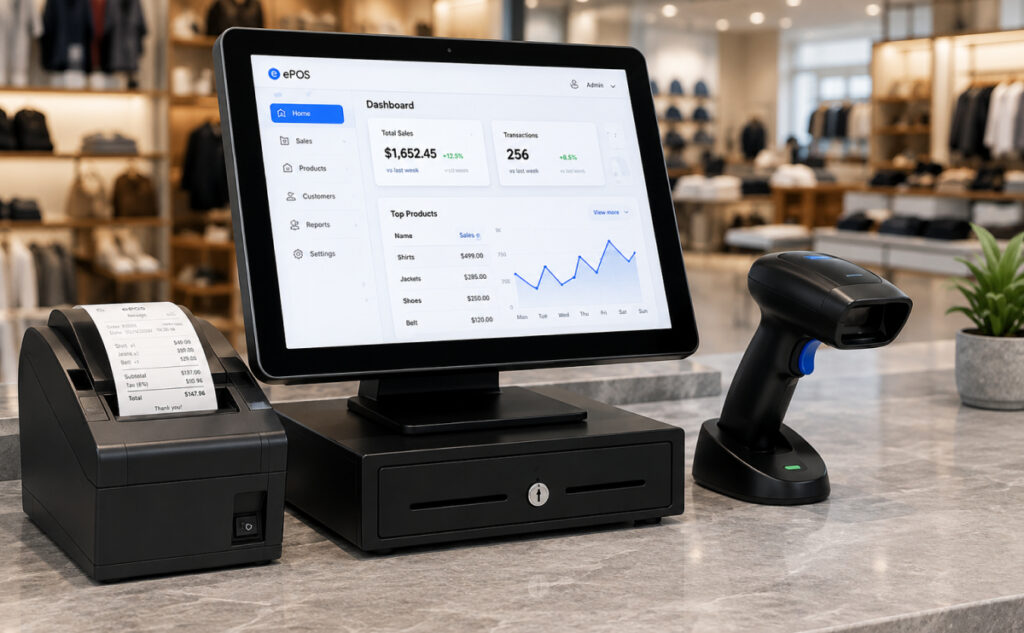
Barcode Scanner

A Complete Guide for Modern Businesses

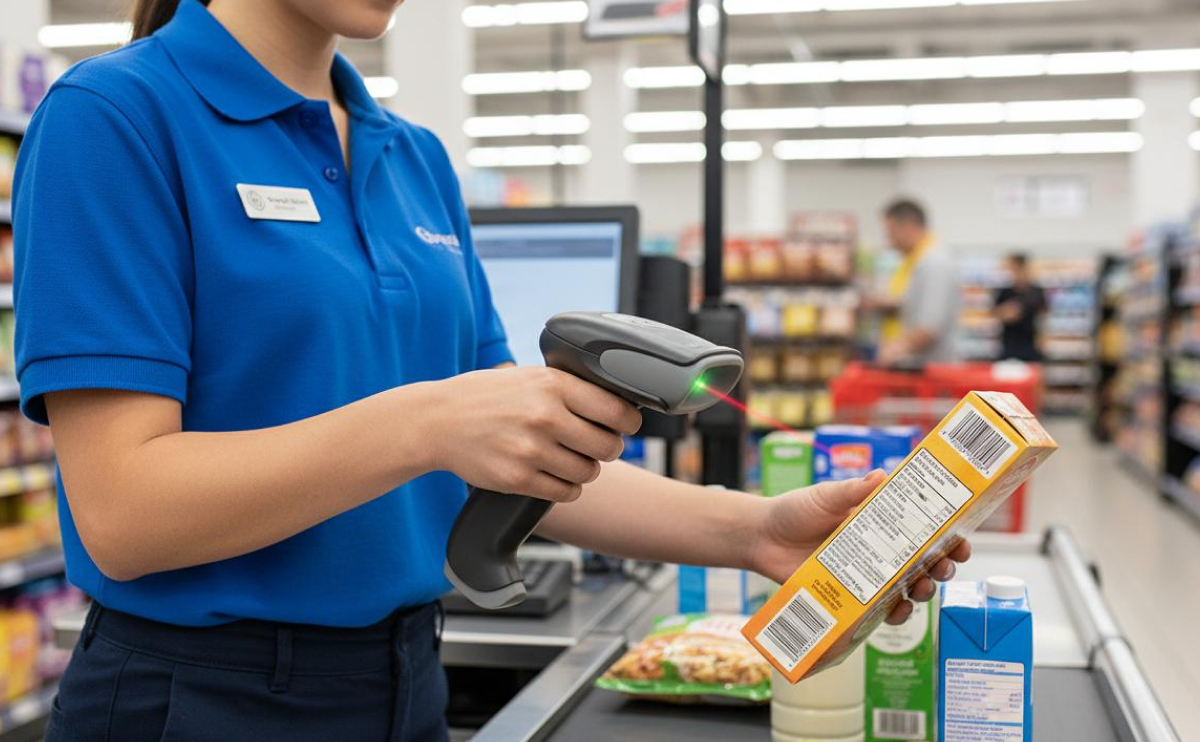
Barcode scanners have become an essential part of modern retail and business operations. From supermarkets and clothing stores to warehouses and pharmacies, they help businesses identify products quickly, reduce manual data entry, and speed up the checkout process.

But with different scanner types and technologies available, choosing the right barcode scanner can be confusing. In this guide, we'll explain how barcode scanners work, the main types available, and what to consider when choosing one for your business.

What Is a Barcode Scanner?

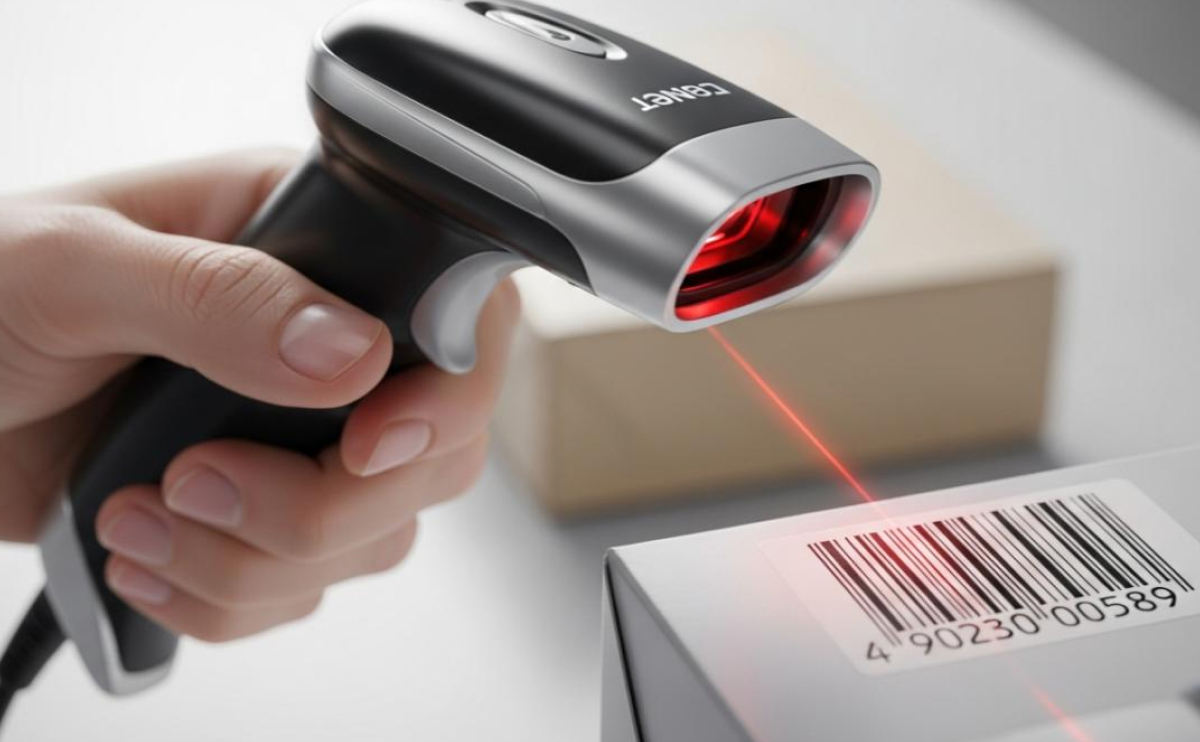
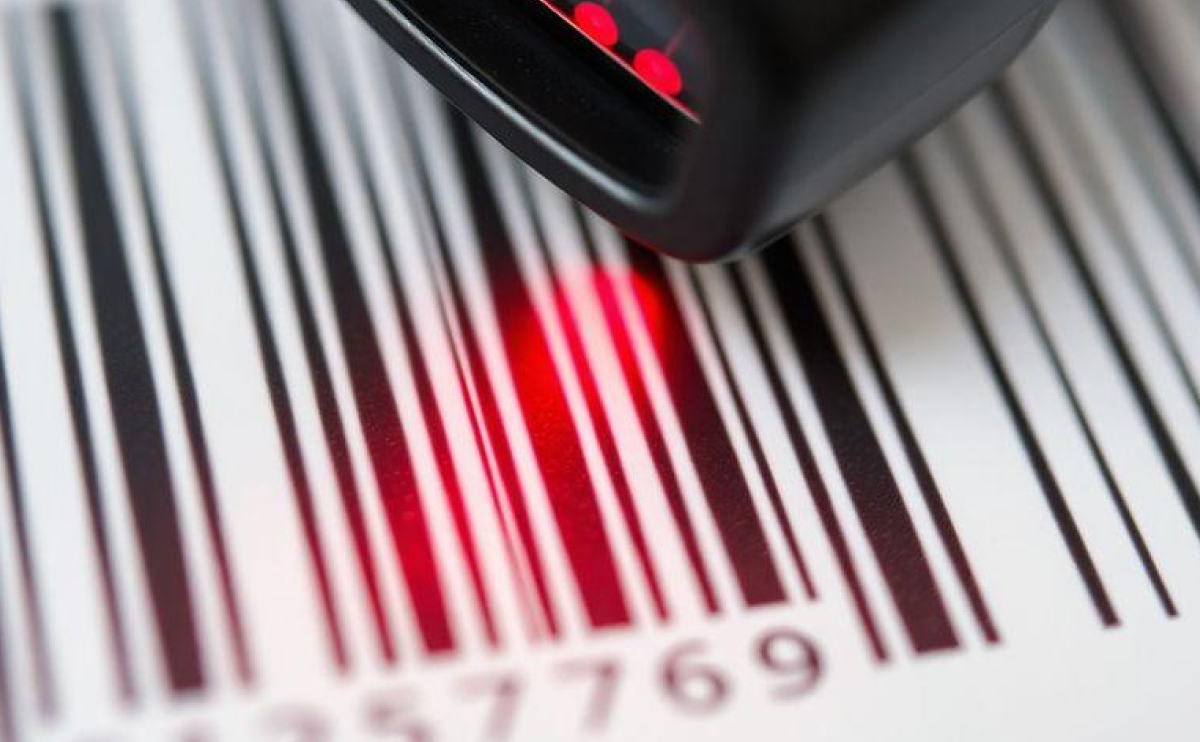
A barcode scanner is a device that reads the information stored in a barcode and sends that data to a computer, POS system, or other connected device.

Instead of manually typing a product code, an employee can simply scan the barcode. The product information can then appear instantly in the POS system, helping make transactions faster and reducing typing errors.

How Does a Barcode Scanner Work?

The process is simple:

  1. The scanner detects the barcode.
  2. Its optical sensor captures the barcode pattern.
  3. The scanner converts the pattern into digital information.
  4. The decoded information is sent to the connected POS or computer.
  5. The POS system retrieves the corresponding product information.

This entire process can happen in a fraction of a second, making barcode scanning ideal for busy checkout environments.

Types of Barcode Scanners

1. 1D Barcode Scanners

1D scanners are designed to read traditional linear barcodes, such as the codes commonly found on retail products.

They are a practical choice for businesses that mainly use standard product barcodes and need a simple, reliable scanning solution.

2. 2D Barcode Scanners

2D scanners can read both traditional 1D barcodes and two-dimensional codes such as QR codes.

They are becoming increasingly popular because they offer greater flexibility and can handle more types of information.

For businesses planning for future payment, inventory, or digital product applications, a 2D scanner can be a versatile choice.

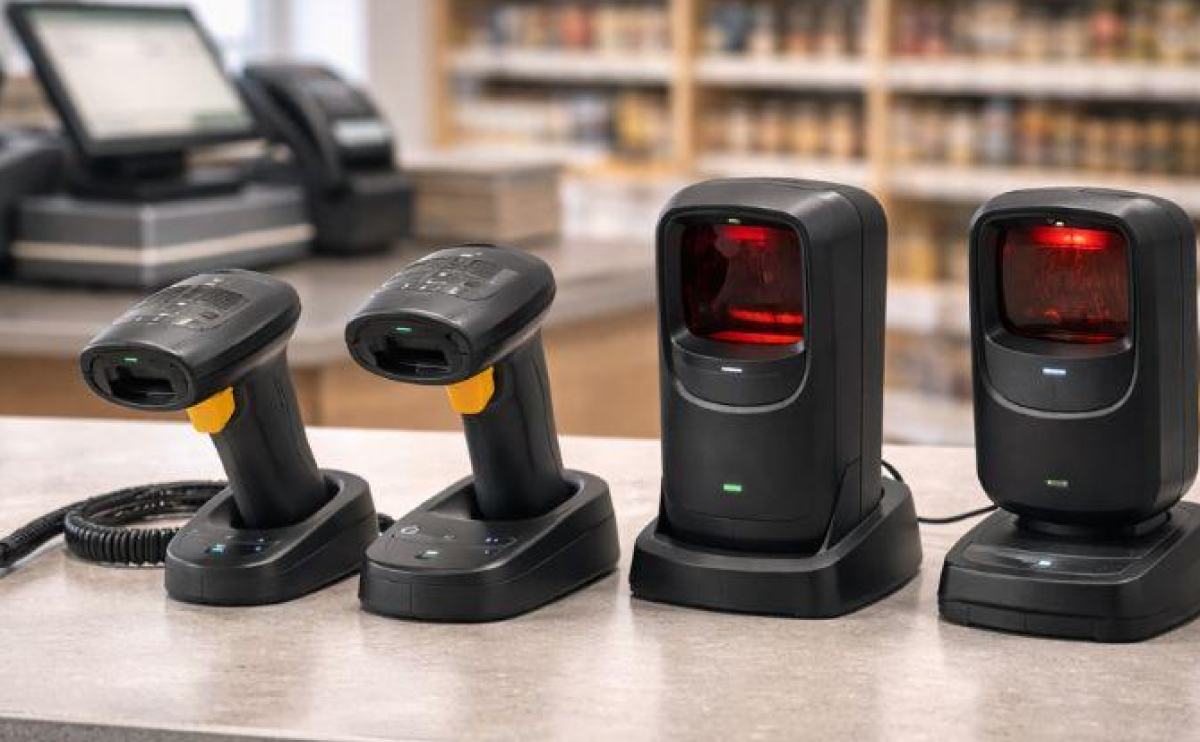
3. Handheld Barcode Scanners

Handheld scanners give employees flexibility to scan products from different positions.

They are particularly useful in retail stores, supermarkets, electronics shops, and warehouses where products may vary considerably in size and location.

4. Presentation Scanners

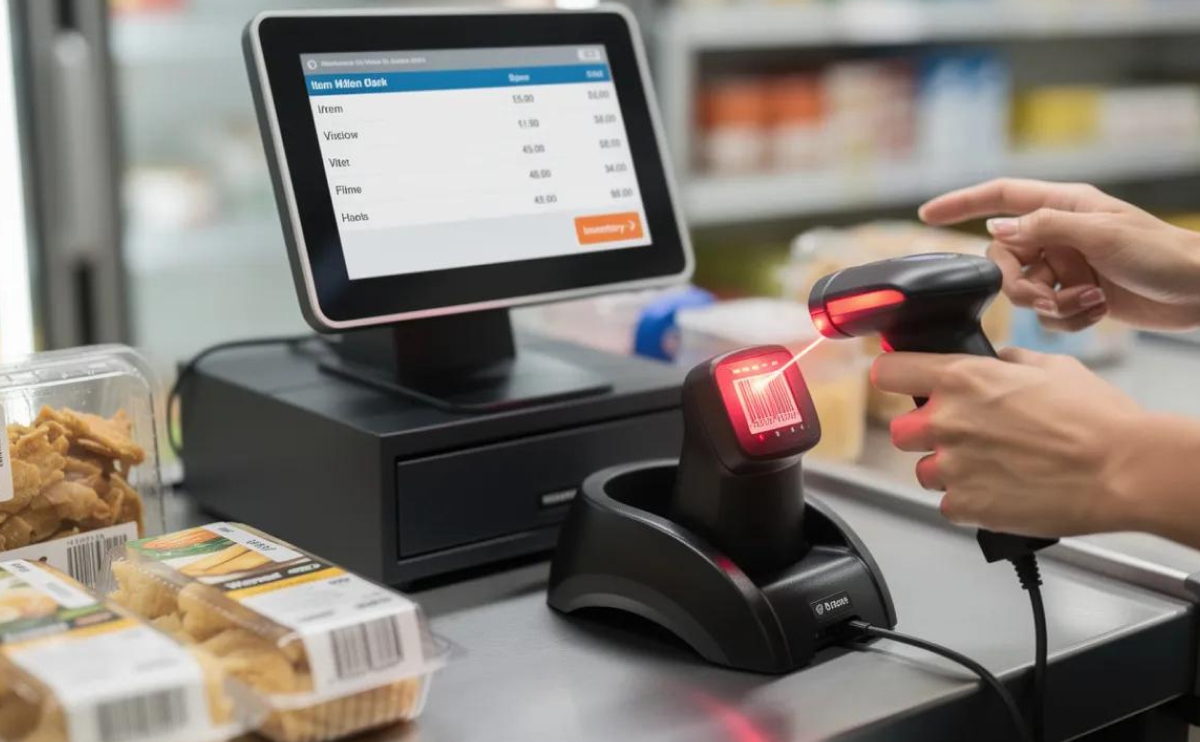
Presentation scanners are designed to sit on a counter. The user simply presents the barcode in front of the scanner.

This makes them ideal for high-volume checkout environments where speed and convenience are priorities.

5. Wireless Barcode Scanners

Wireless scanners allow employees to move around without being connected to the POS terminal by a cable.

They can be especially useful in warehouses, stockrooms, and larger retail environments where products need to be scanned away from the checkout counter.

Barcode Scanner + POS System

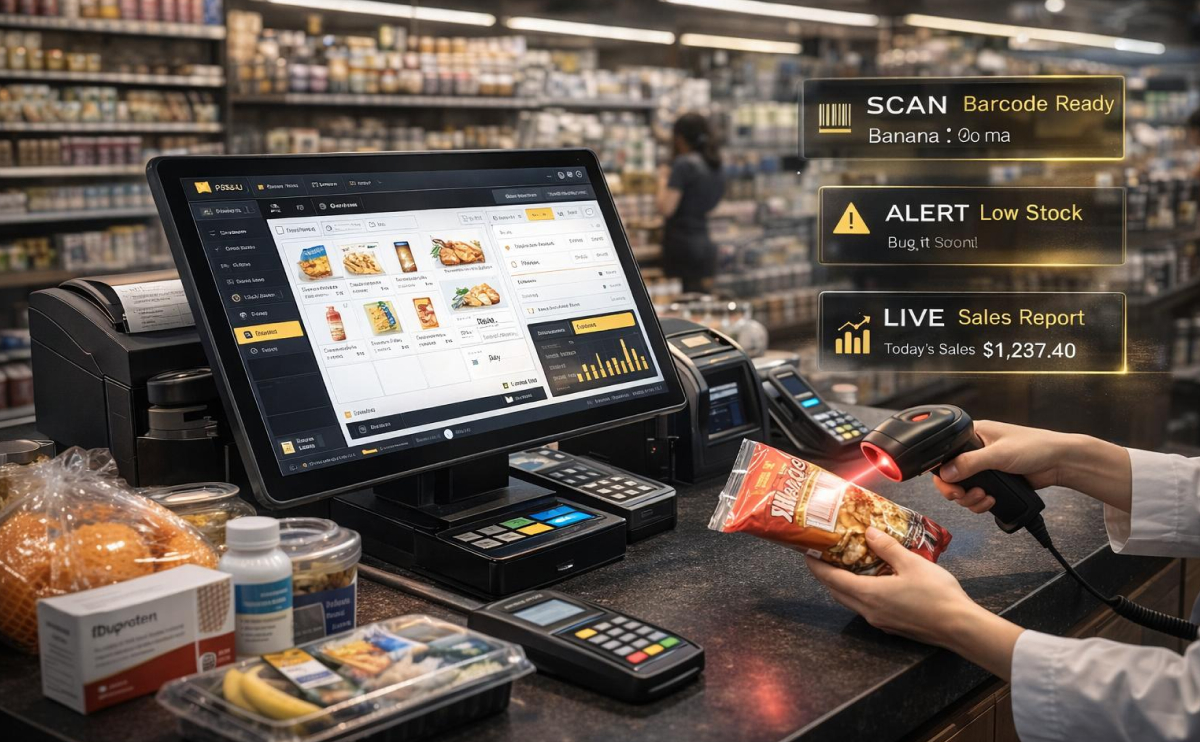
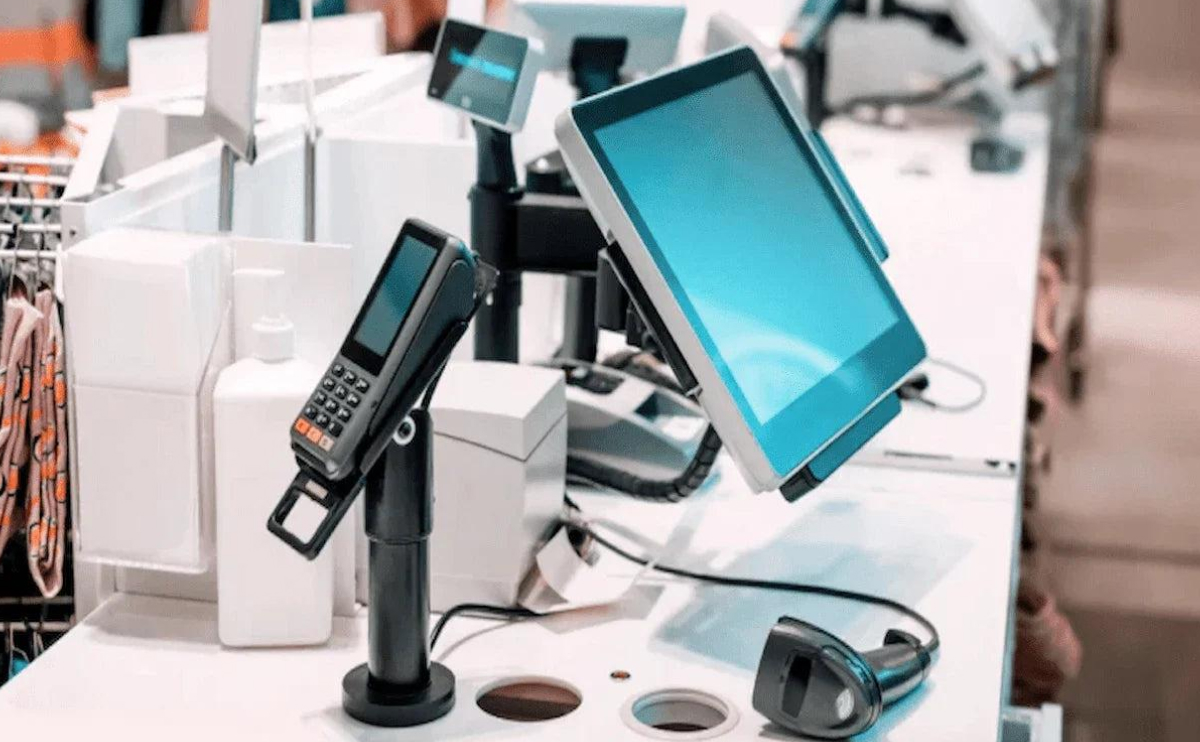
A barcode scanner becomes even more useful when integrated with a complete POS system.

The scanner identifies the product, while the POS software can manage the price, inventory, transaction, customer information, and sales reporting.

This creates a smooth workflow:

Scan → Identify → Add to Cart → Process Payment → Update Inventory

For businesses with many products, this integration can save significant time during everyday operations.

Final Thoughts

A barcode scanner may look like a simple piece of hardware, but it can have a major impact on the efficiency of a business.

The right scanner can make checkout faster, improve inventory accuracy, reduce manual errors, and help employees work more efficiently.

Whether you operate a small retail store, supermarket, warehouse, or growing multi-location business, choosing a barcode scanner that matches your workflow is an important step toward building a smarter POS environment.

Choose the right scanning technology, connect it to the right POS system, and turn every scan into a faster, more accurate business operation.

Leave a Reply

Your email address will not be published. Required fields are marked *